
Instagram to Wall: Printing Square Photos That Look Right
How to get your Instagram square photos off the feed and onto the wall in full quality: where to find the real file, why screenshots fail, and which products fit a 1:1 photo cleanly.
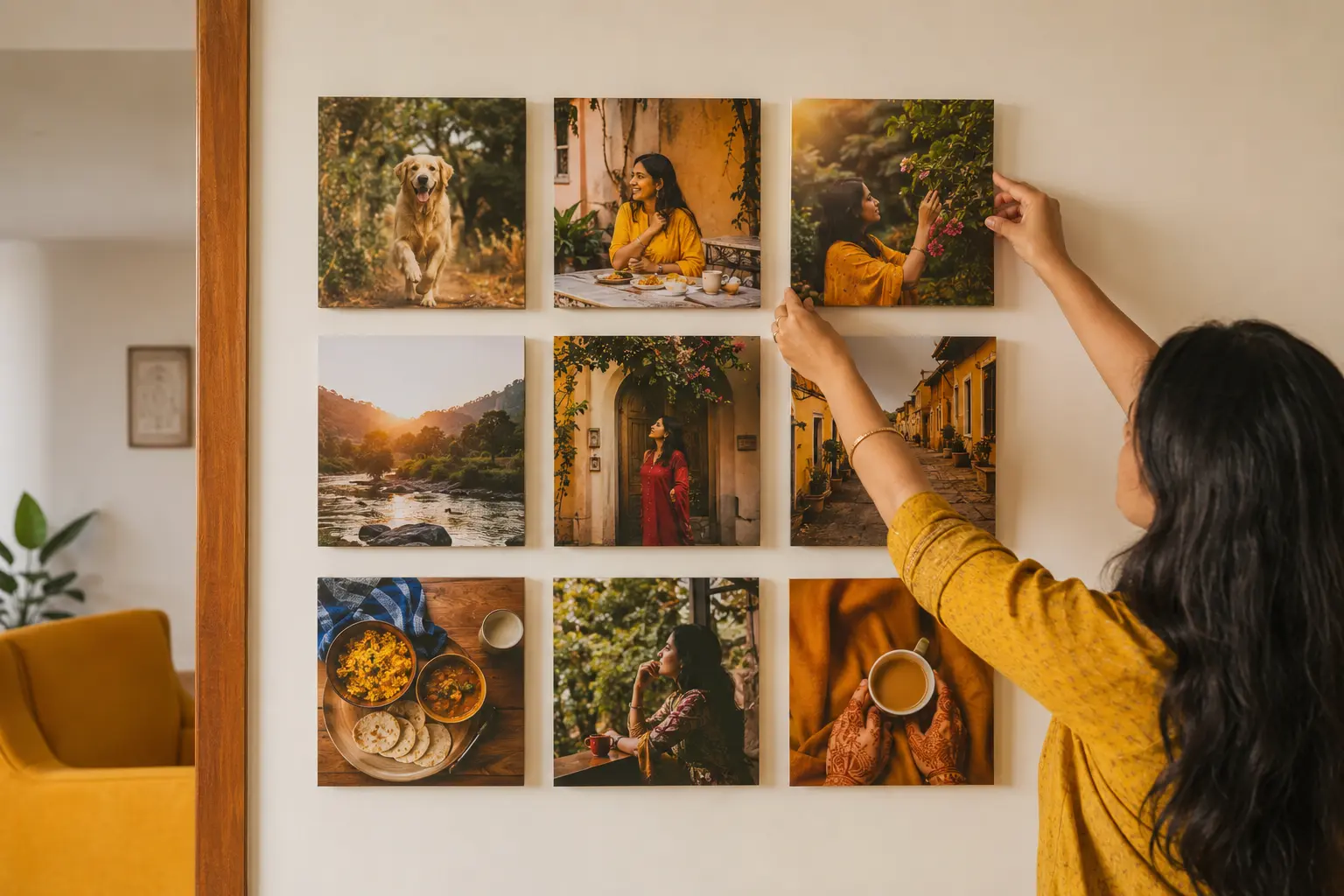
The best photos of your life are often the ones you posted and forgot, sitting in a feed instead of on a wall. Getting them from Instagram to a print sounds easy, but two things trip people up: finding the actual high-quality file, and dealing with the square shape. Here is how to print Instagram photos so they look as good on the wall as they did on the feed.
The golden rule: never print the Instagram copy
Instagram compresses photos when you upload them, so the version living in the app is smaller and lower quality than the photo you started with. Worse still are screenshots, which only capture what your screen shows, not the original detail. If you screenshot a post and print it, you are printing a low-resolution copy of a phone screen. Always go back to the source: the original photo in your camera roll. That is the full-quality file, and it is the one to print from.
If the photo was taken by someone else and only exists on their feed, ask them to send you the original as a file. In WhatsApp, that means sending it as a Document rather than as a Photo, which avoids another round of compression. More on phone-file quality is in our guide to printing iPhone photos.
The square question
Classic Instagram photos are square, a 1:1 aspect ratio. That shape is the opposite of most print sizes, which are rectangular like 4x6 or 8x12. You have two clean options:
- Print square on a square product. The composition stays exactly as you framed it, nothing cropped. This is almost always the better choice for a photo you composed as a square.
- Print square on a rectangle with a border. Keep the full square and let it sit centred on a rectangular print with even white space around it, which can look deliberate and gallery-like.
What you want to avoid is letting a 1:1 photo be auto-cropped to fill a rectangle, because that slices off the edges of your composition. For how shapes and sizes line up in general, see our photo print size chart.
Square products that fit Instagram photos
- Square canvas: a canvas print in a square size is the natural home for an Instagram photo, frameless, modern, and matching the original 1:1 shape. Canvas starts at ₹145.
- Square frame: our photo frames start at 8x8 inches and go up, so a square photo sits in a wooden frame with no awkward crop, ready to hang. Frames start at ₹1,022.
- Square prints: for albums or a grid on the wall, square photo prints recreate the feed itself, a wall of squares. Prints start at ₹520.
The grid wall: your feed, on the wall
One of the most striking ways to use Instagram photos is to print nine or twelve of them as identical squares and hang them in a tight grid, like a feed made physical. Keep the spacing even (2 to 3 inches) and the sizes identical, and choose photos with a loose colour theme so the grid reads as one piece. Our gallery wall guide has the full method for spacing and hanging.
Check resolution before you go big
A photo can look perfectly sharp on a phone and still be too small for a large print, especially if it was already compressed by Instagram. Before ordering anything bigger than a small square, check the original file against our photo resolution printing guide. On our side, a person reviews every photo before printing, so an undersized file gets flagged before it becomes a soft print.
Get your best posts on the wall
Find the originals, keep the square, and print. Create a square canvas from ₹145, or order square prints from ₹520, with free shipping over ₹199, COD, and delivery in 3 to 5 days across India. We accept HEIC, JPG and PNG with no conversion. 10,392+ customers, 4.4 stars. For more, browse our canvas print guides.
Frequently Asked Questions
How do I print Instagram photos in good quality?
Can I print a square Instagram photo without cropping it?
Why do my Instagram photos look blurry when printed?
What size should I print an Instagram photo?
How do I make a photo wall from my Instagram feed?
People Also Ask
Does Instagram reduce photo quality?
How do I get the original photo from Instagram?
Can you print phone photos large?
Related articles
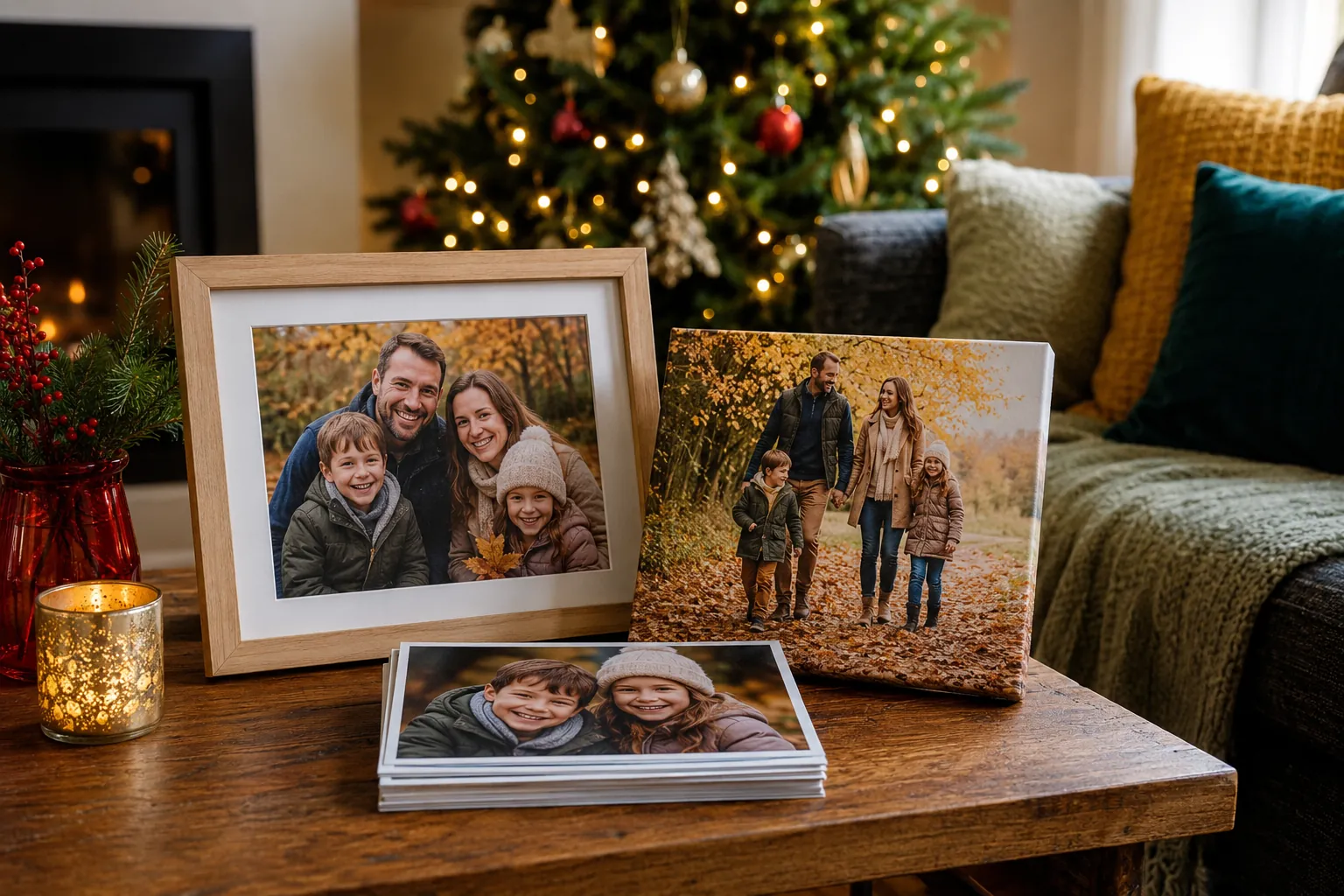 Christmas
Christmas and New Year Personalised Photo Gift Guide
Skip the generic hampers this Christmas. Personalised photo gifts turn the year's best moments into presents people actually keep.
Read More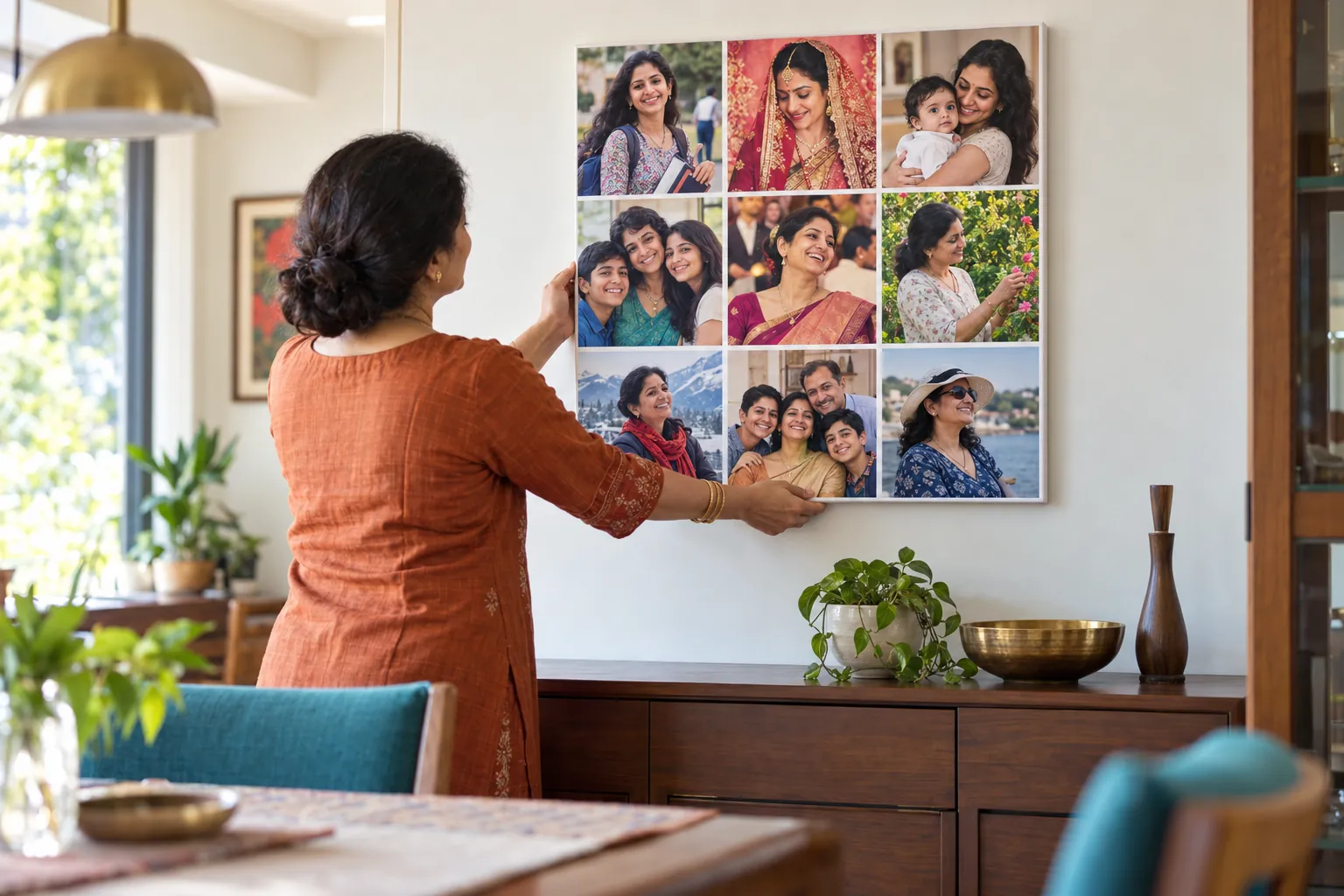 Birthday
Birthday Gift for Mom: Useful, Personal and Made from Her Own Photos
Mothers take most of the family photos and appear in the fewest. A collage made only of photos of her is a birthday gift she will not have seen coming.
Read More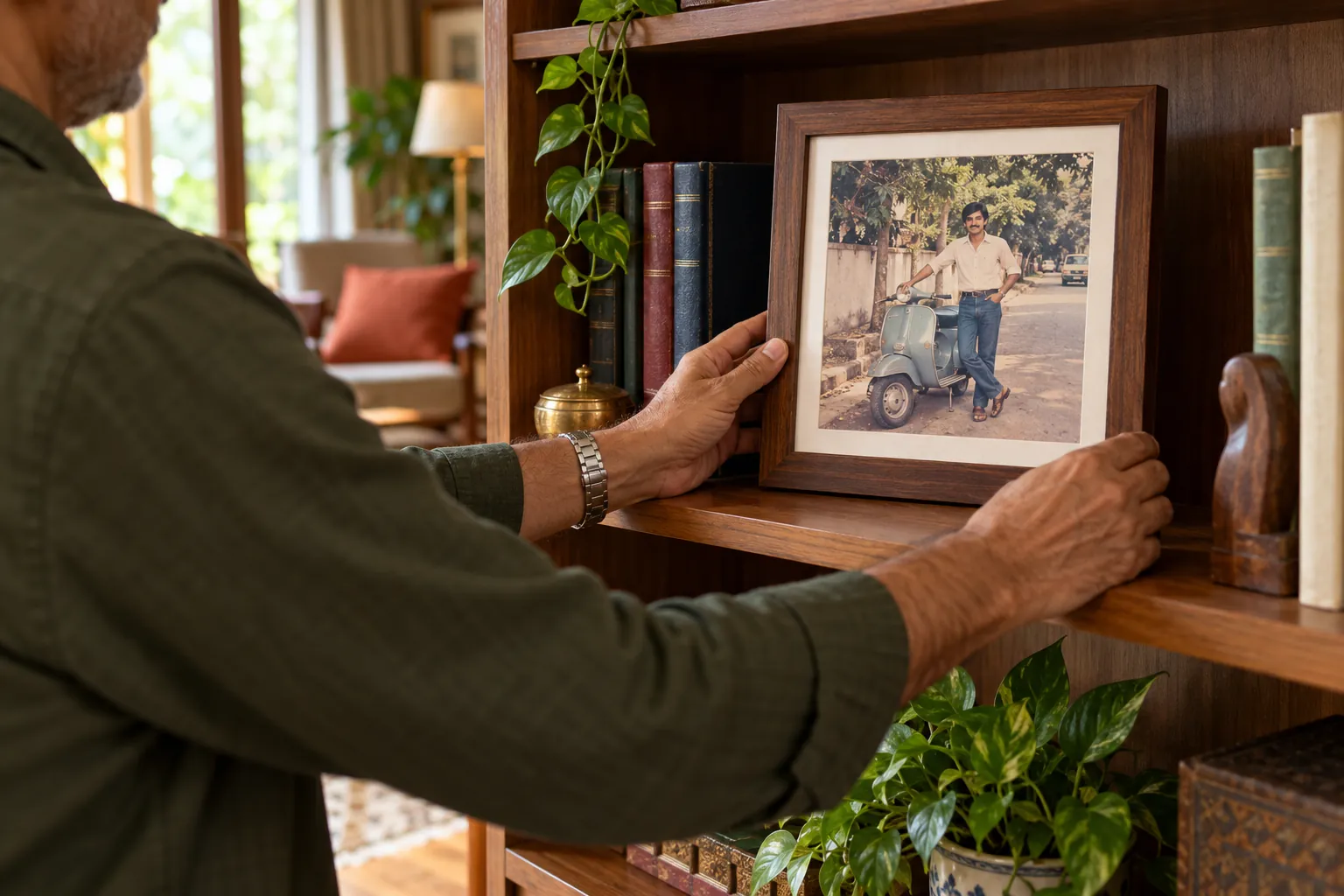 Birthday
Birthday Gifts for Dad: Photo Gifts He Will Actually Hang
When Papa says he needs nothing, he usually means he wants no more clutter. A framed photo of what he is proudest of goes on the wall and stays there.
Read More
Ready To Print Your Own Photos?
Turn your favourite memories into canvas prints, photo frames and photo collages — printed in India and delivered to your door.
Start Creating